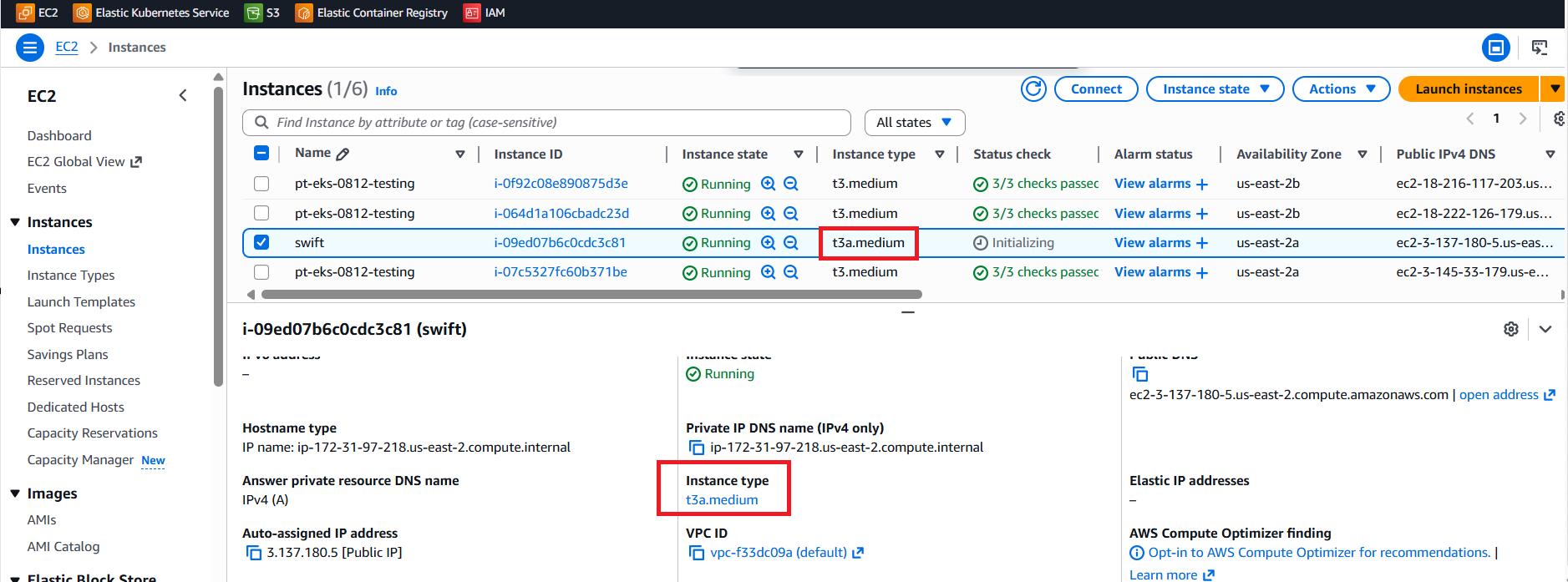
This article outlines the steps to increase the memory of a AWS VM when the existing configuration is not sufficient for application performance or workload requirements. Increasing the VM memory helps resolve issues such as high memory utilization, application slowdowns, or service crashes. This process involves stopping the VM, updating the machine type or custom memory settings, and then restarting the instance.
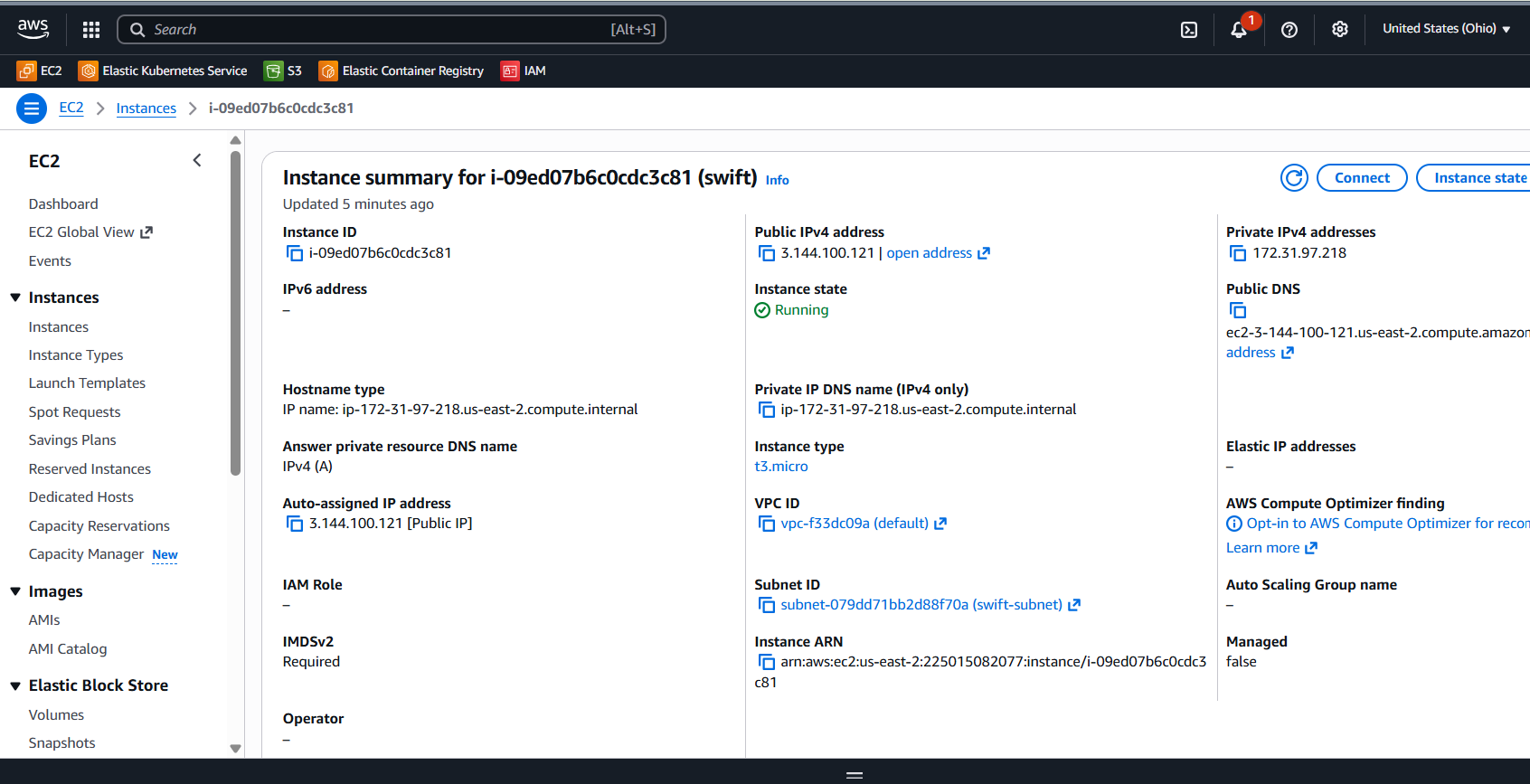
1. Check once created VM having 2vCPU and t3.micro
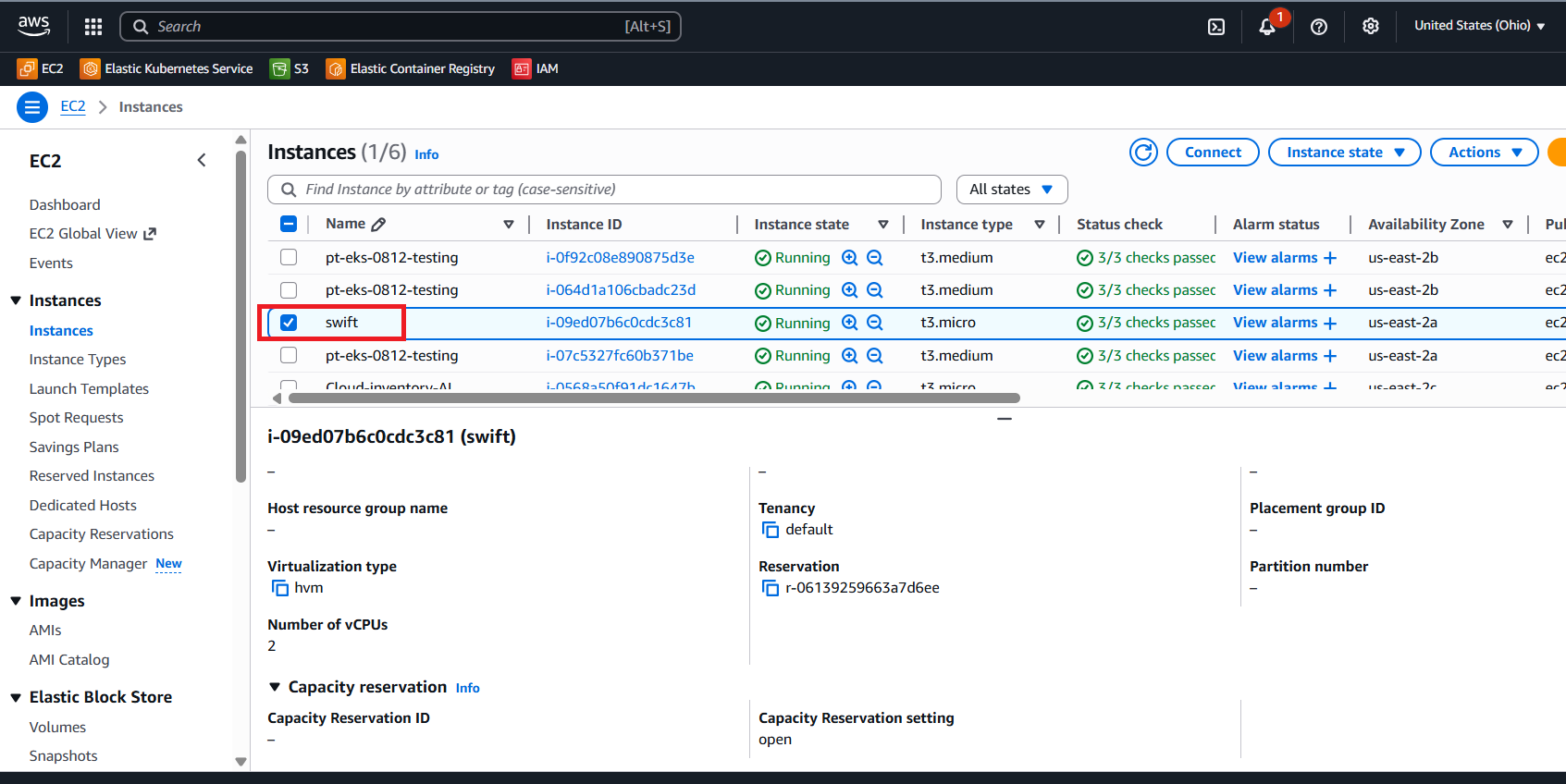
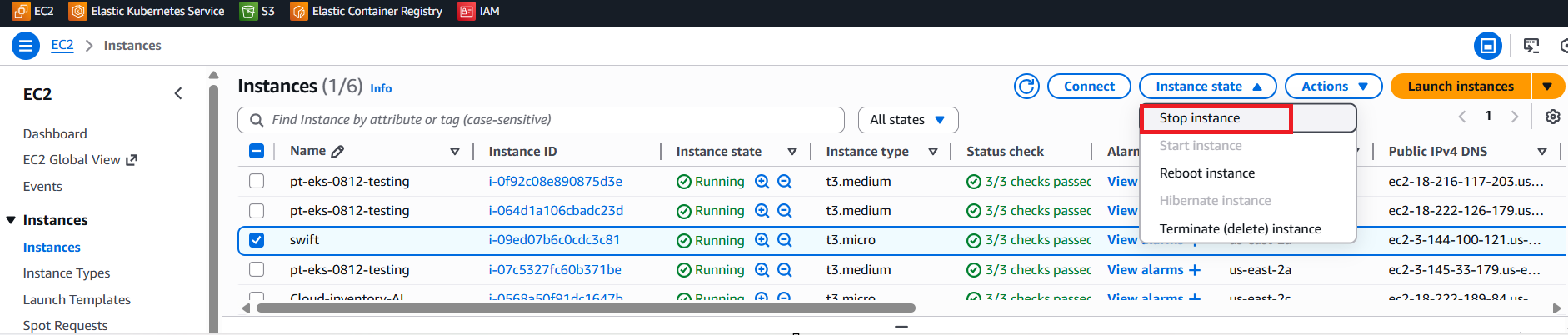
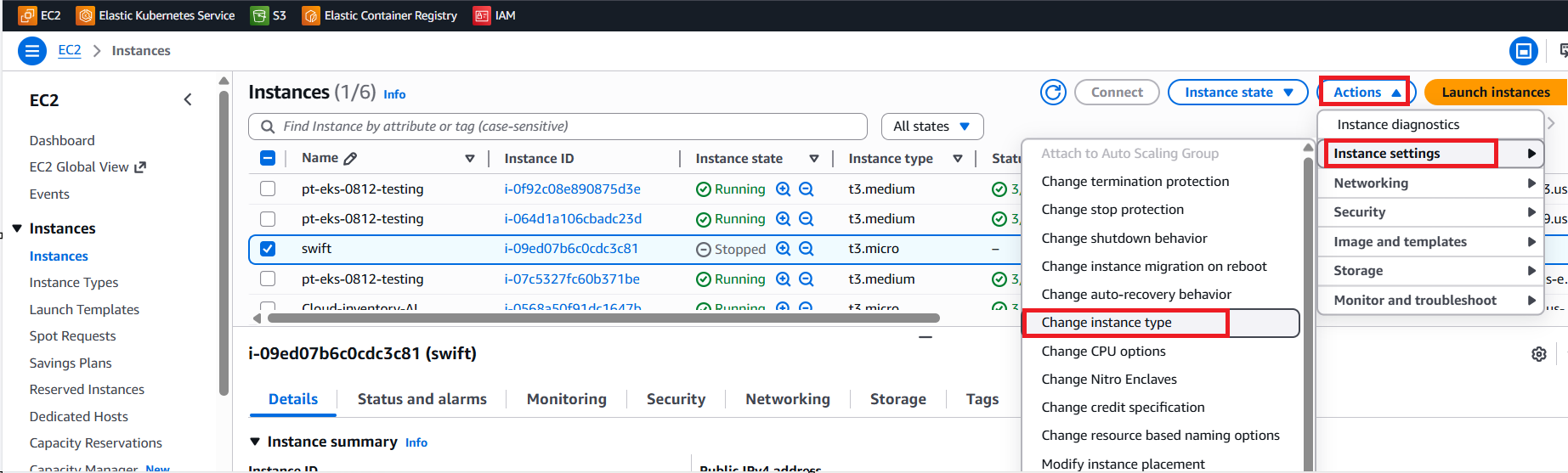
2. Now you can increase the RAM for this instance. For that first Stop the instance.
3. To change the RAM, Select the instance > Actions > Instance Settings > Change the instance type.
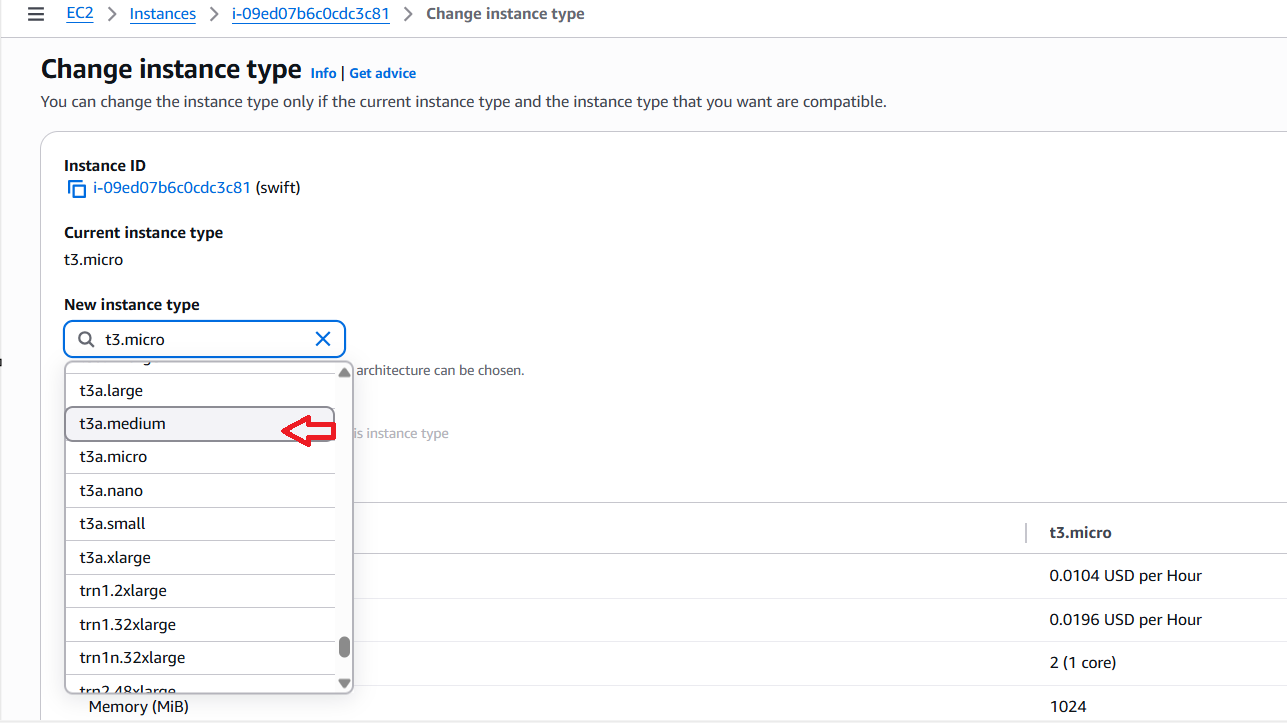
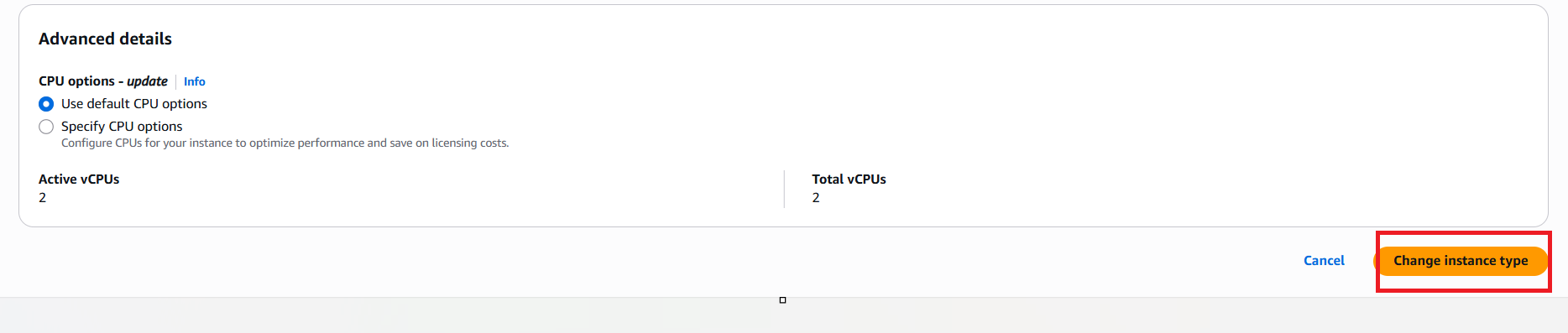
4. Choose a new instance type with more memory. Current having t3.small and i want to increase to t3.medium. And click on 'Change instanced type'.
5. And then start the instance to check, if RAM is increased or not. To start the instance, select the instance > Instance state > Start instance.

6. Now you can check the RAM changed from t2.small to t3 medium.