
The Advanced Options section allows you to fine-tune how the cluster behaves during migrations and sync operations. It provides additional controls for storage integration, resource usage, and parallel sync handling.
For this follow below steps.
1. Login to the SWIFT dashboard, navigate to Container Cluster and click the Add button.
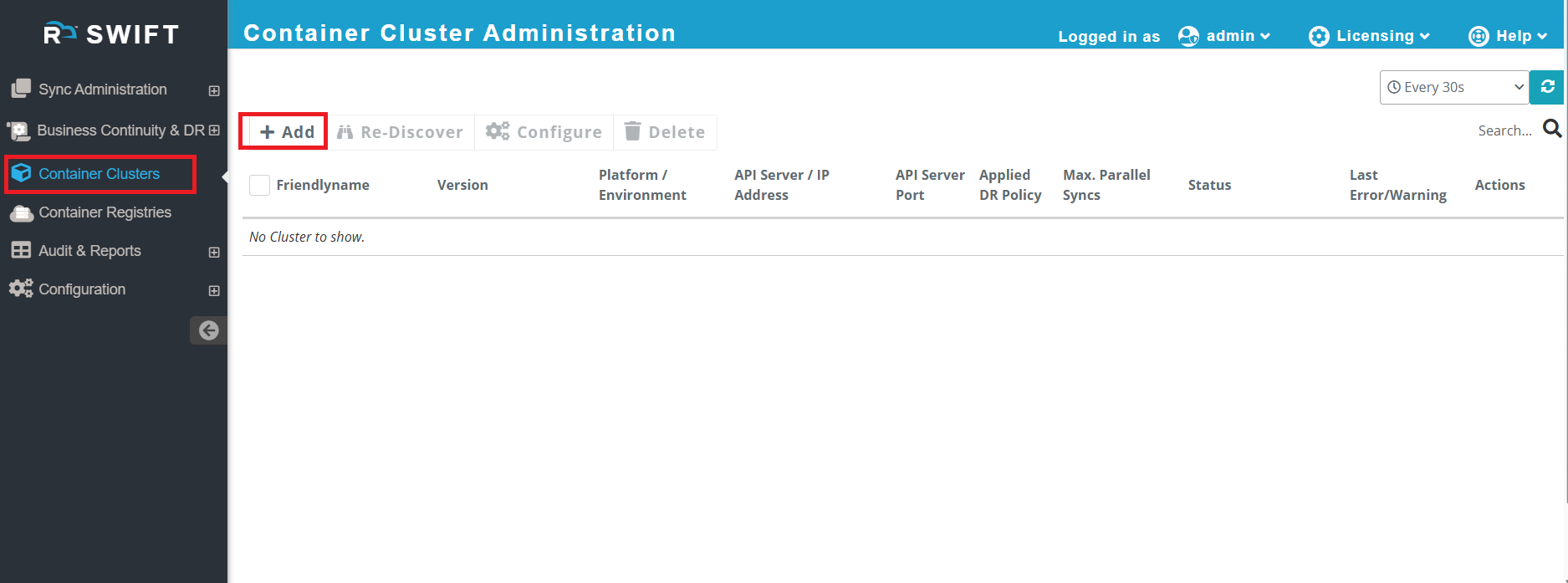
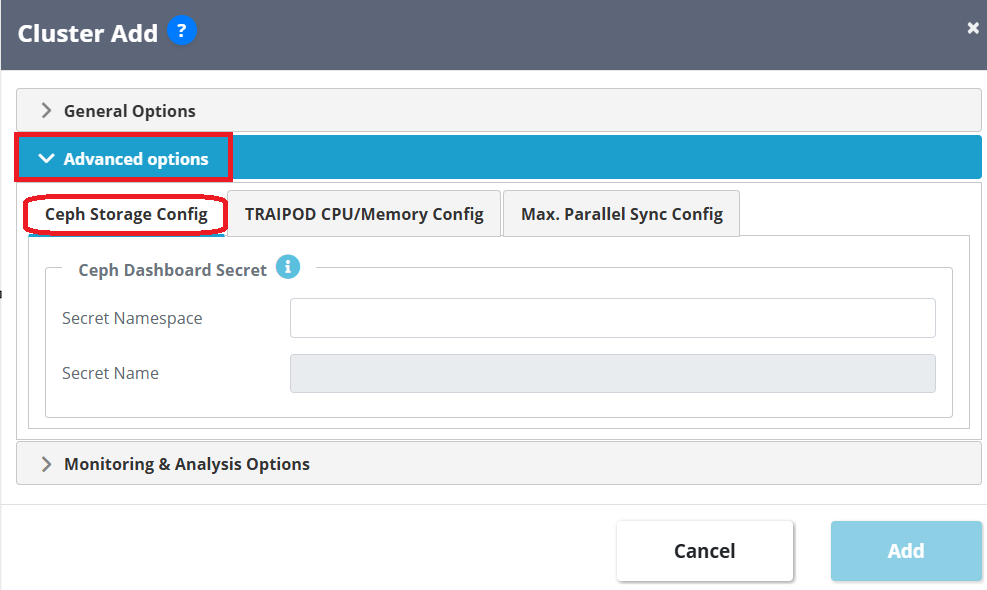
2. The Advanced Options section contains three tabs: Ceph Storage Config, TRAIPOD CPU/Memory Config, and Max Parallel Sync Config. These options let you adjust storage settings, TRAIPOD resource usage, and parallel sync limits if needed.
Ceph Storage Config
This tab is used to configure Ceph dashboard access for clusters that use Ceph as the underlying storage. Specifies the Kubernetes namespace where the Ceph dashboard secret is stored.
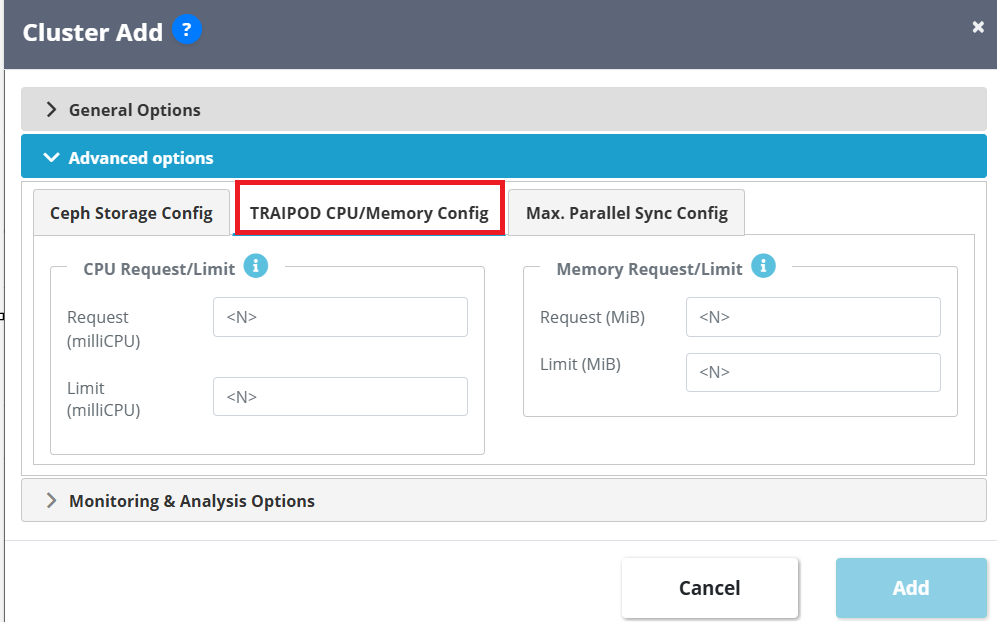
TRAIPOD CPU / Memory Config
This tab allows customization of resource allocation for the TRAIPOD (SWIFT transient pod).
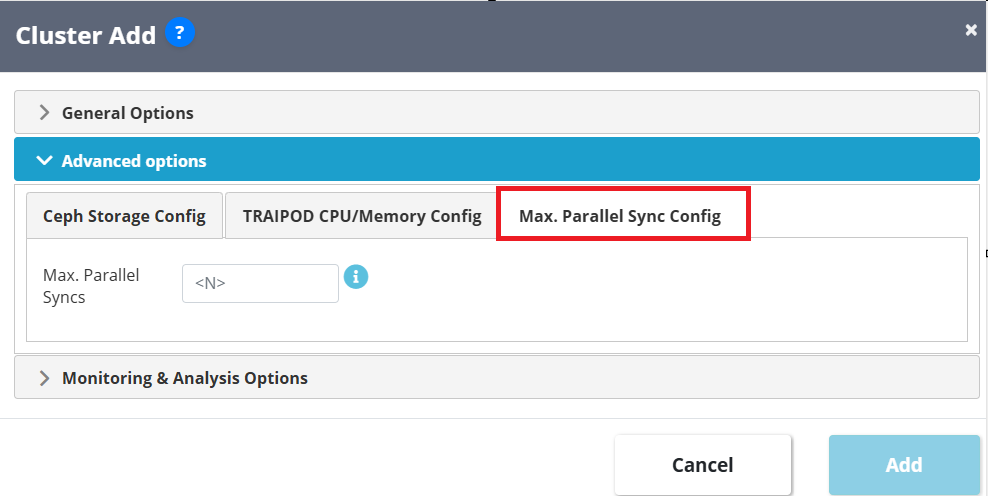
Max. Parallel Sync Config
This tab defines the maximum number of parallel sync operations.
3. After you configured any required option , then simply click on Add button.