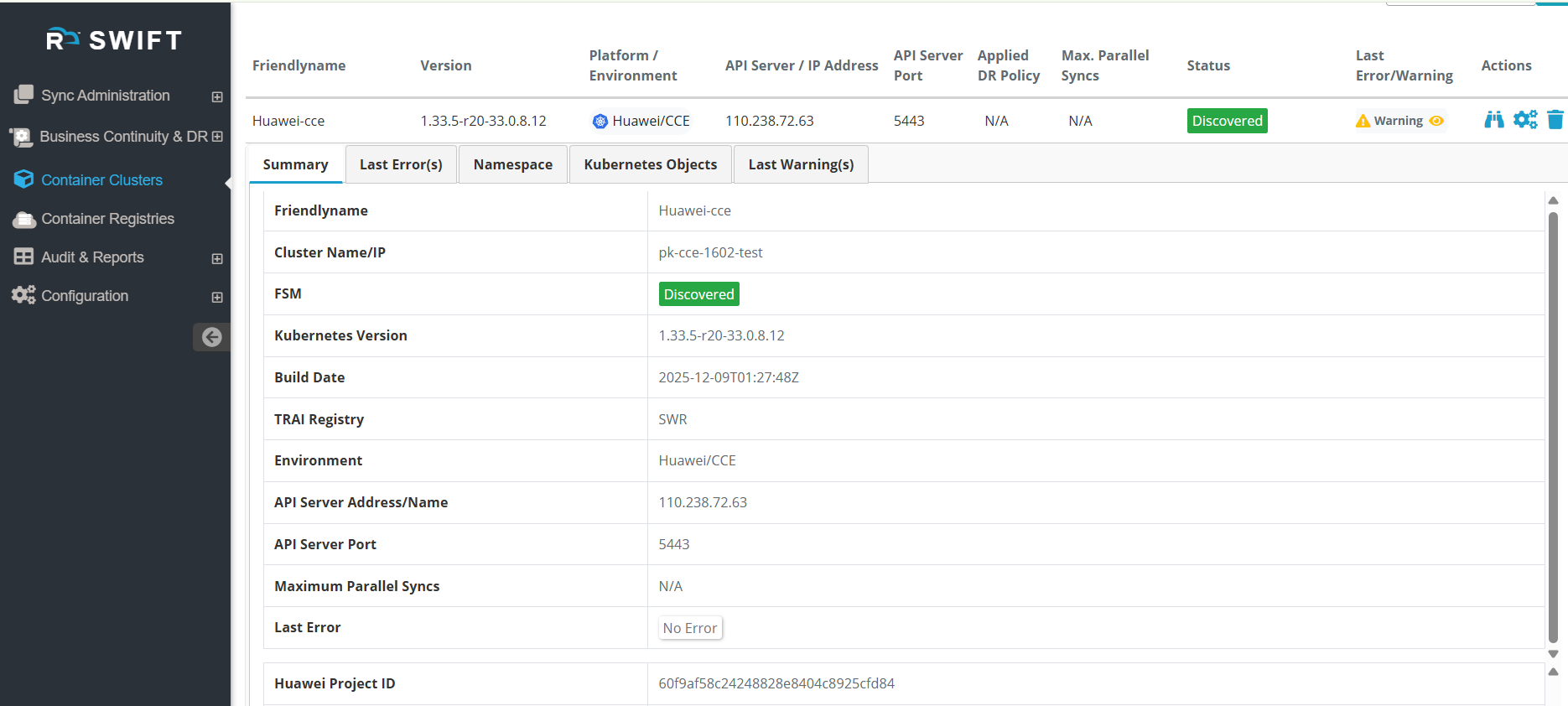
Once you have added or discovered a cluster, you can modify its configuration if required. For example, if you need to update the CCE credentials, you can do so by navigating to the Configure section. We have already added the CCE Kubernetes cluster, and now we want to modify it. Similarly, you can make changes to any existing cluster using the Configure option.
Pre-requisite:
1. The CCE cluster must already be added or discovered successfully. Discover the CCE cluster
How to Configure the CCE cluster.
1. Go to the discovered CCE cluster page and select the cluster which you want to configure.

2. Once you click on Configure, the Cluster Configuration page will appear. On this page, you can update settings such as the Access, Secret Key, the TraiPod Config section, the Cluster Private IP Config, along with other parameters under Advanced Options. Here we have configured the CCE access key and secret key.
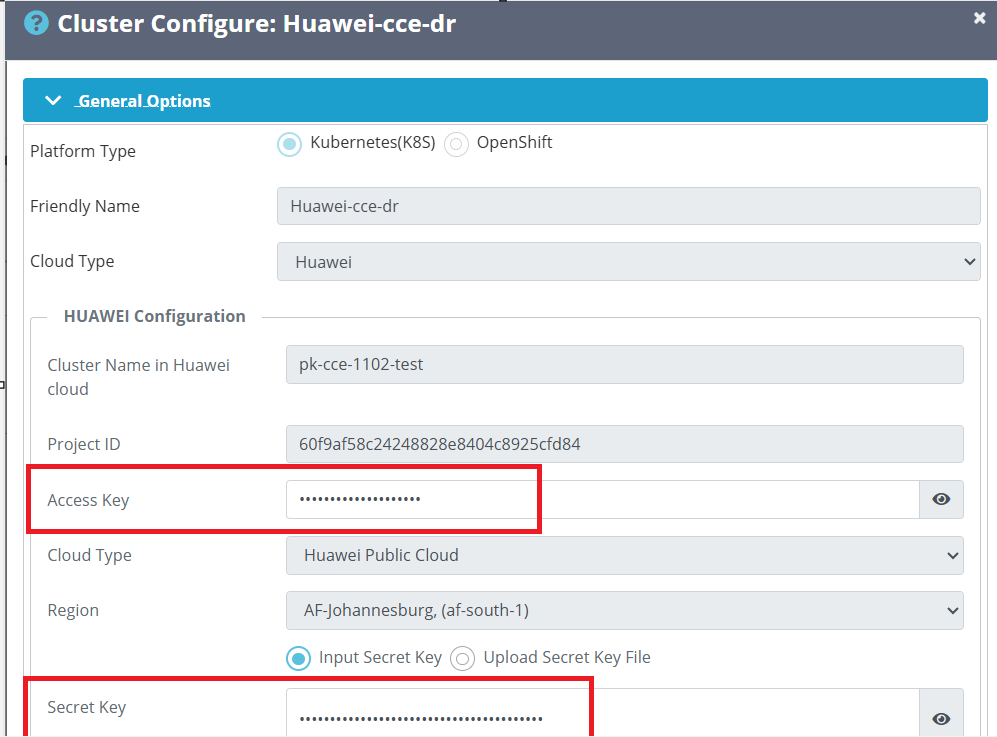
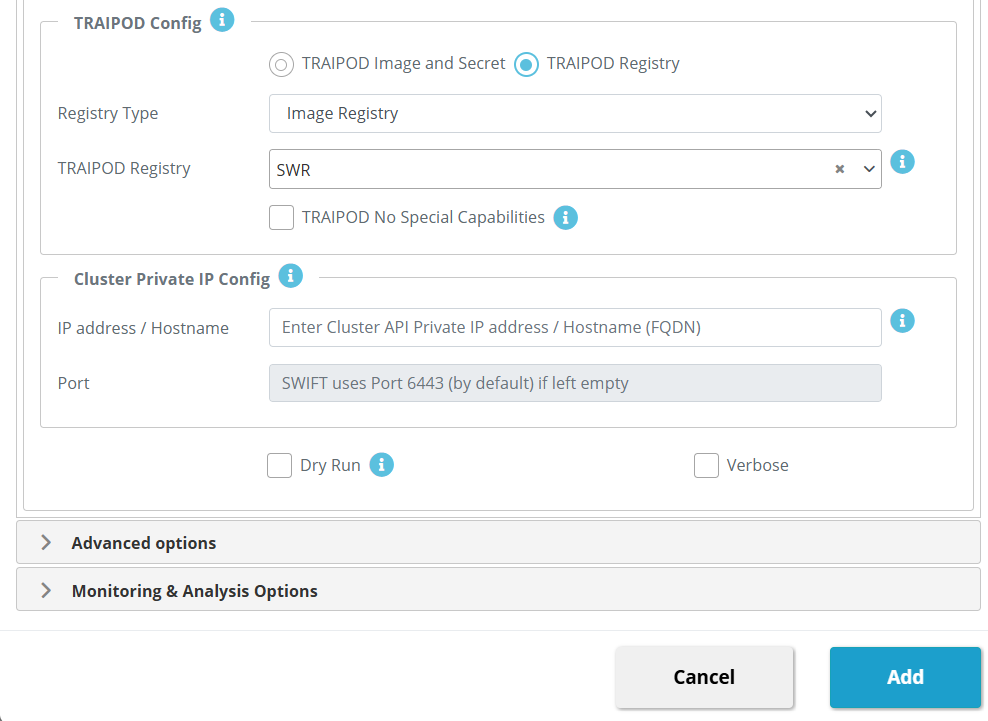
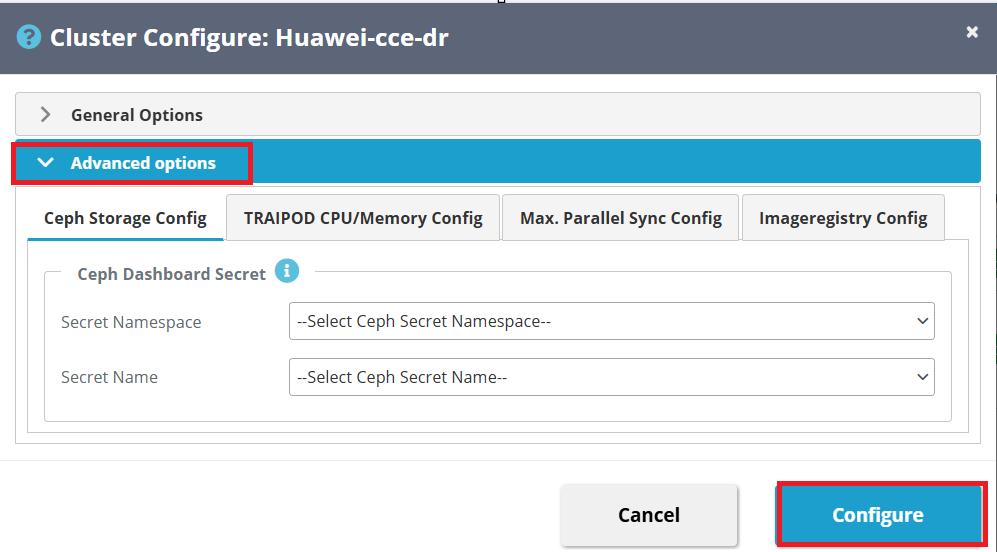
3. CCE Cluster Configuration After adding Huawei Access and secret key.

4. Correctly configured the Huawei access and secret and no issue was there and cluster is discovered successfully.