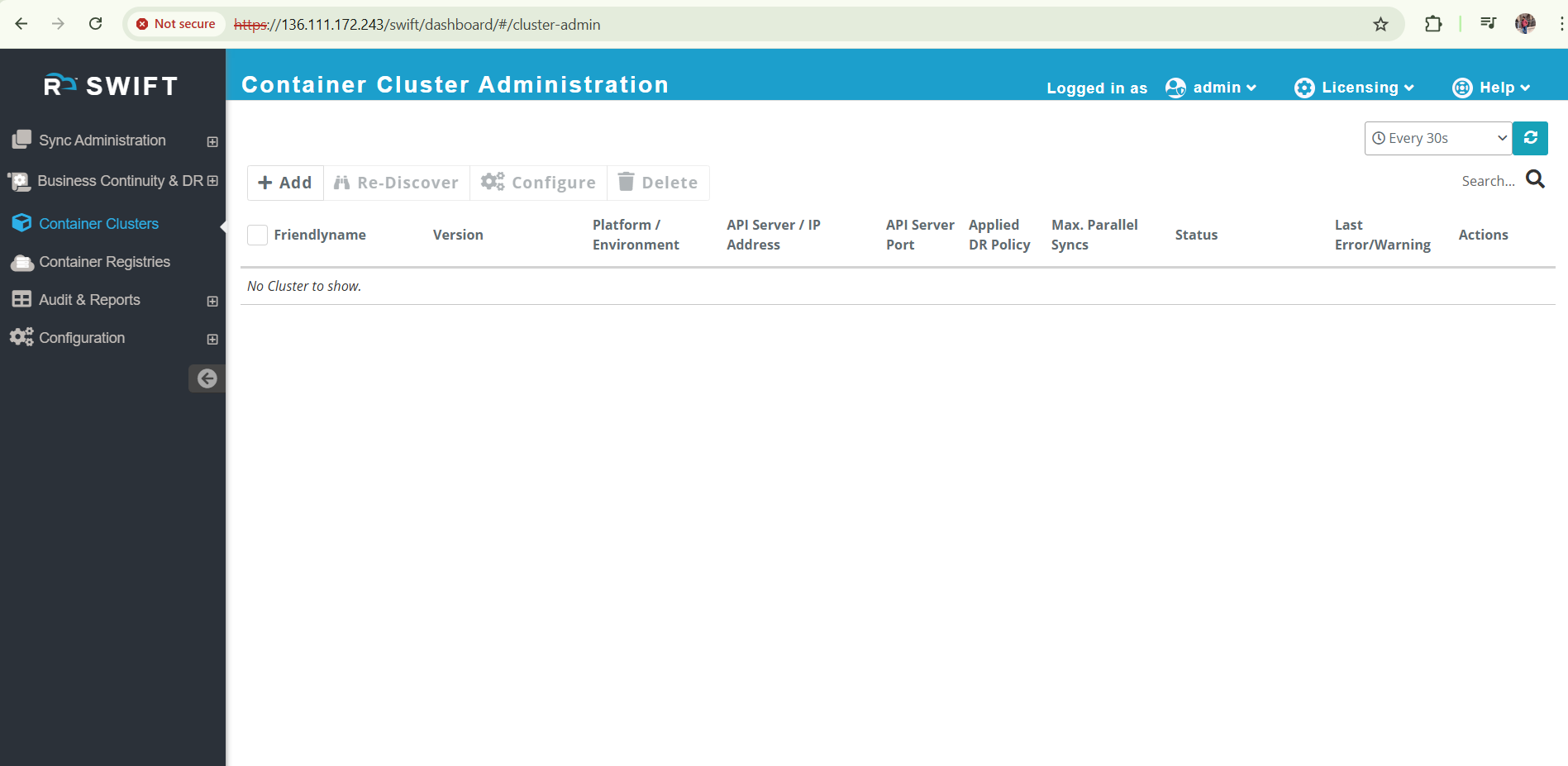
This is the flow of to install the SWIFT on CentOS, RHEL and OEL 9 VM.
Pre-requisite:
1. yum update -y (command will change as per VM flavours)
2. reboot
3. 22 and 443 ports should be opened
How to install SWIFT manually
1. Once you downloaded the build in any directory. For example. we have downloaded the build in /tmp directory.
How_to_download_build_from_ftp
2. Provide the executable permission to the build.
chmod +x /tmp/rackware-swift-release-1.3.65.54.sh

3. Then run the SWIFT binary with your root user.
/tmp/rackware-swift-release-1.3.65.54.sh
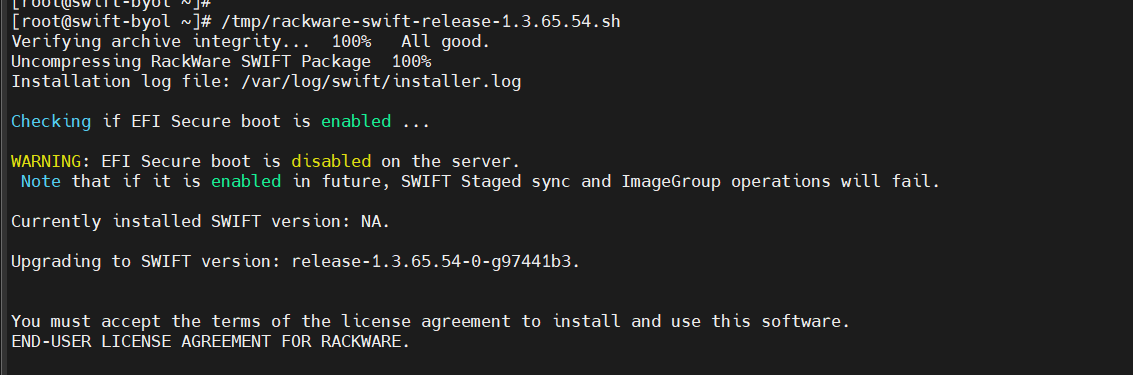
4. To proceed further, provide acceptance by pressing the space button twice. Also, provide the NTP server IP if it is configured; otherwise, enter 'n' or 'no'."
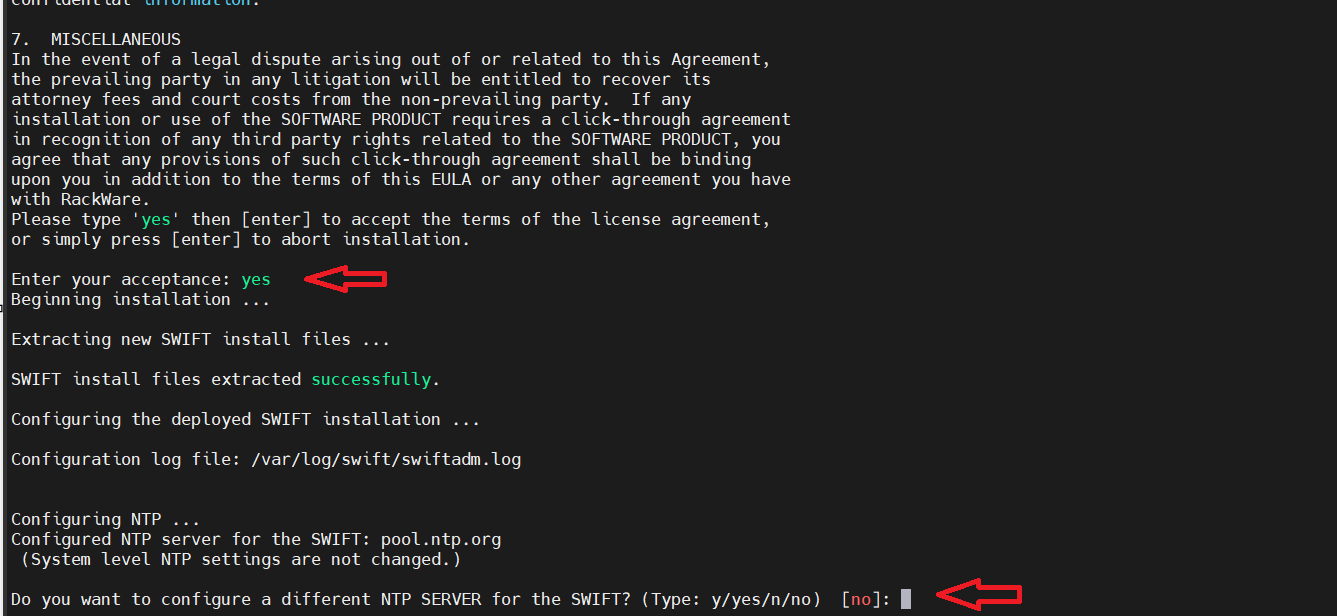
5. Wait until the installation is completed.
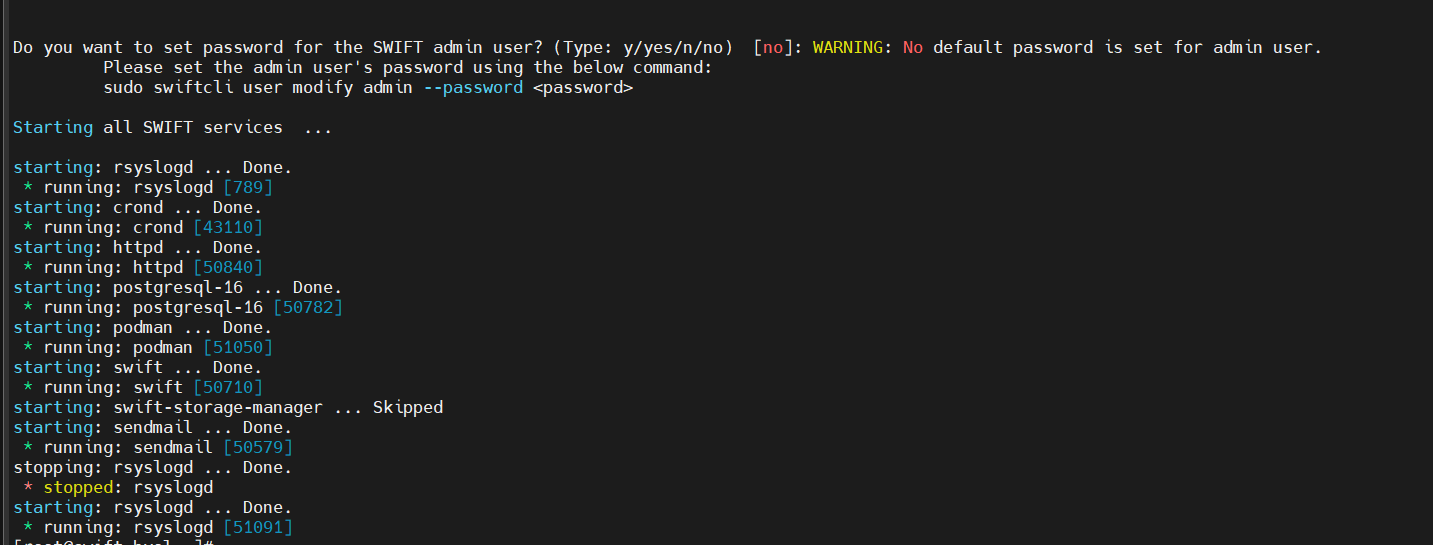
6. Verify the SWIFT build.
sc swift show

7. Verify all services are running.
swiftadm status all
8. Now set the password to access the SWIFT dashboard using admin user.
sc user modify admin --password R@ckware123
9. Access the SWIFT dashboard.
https://<swift-ip>/swift/dashboard/
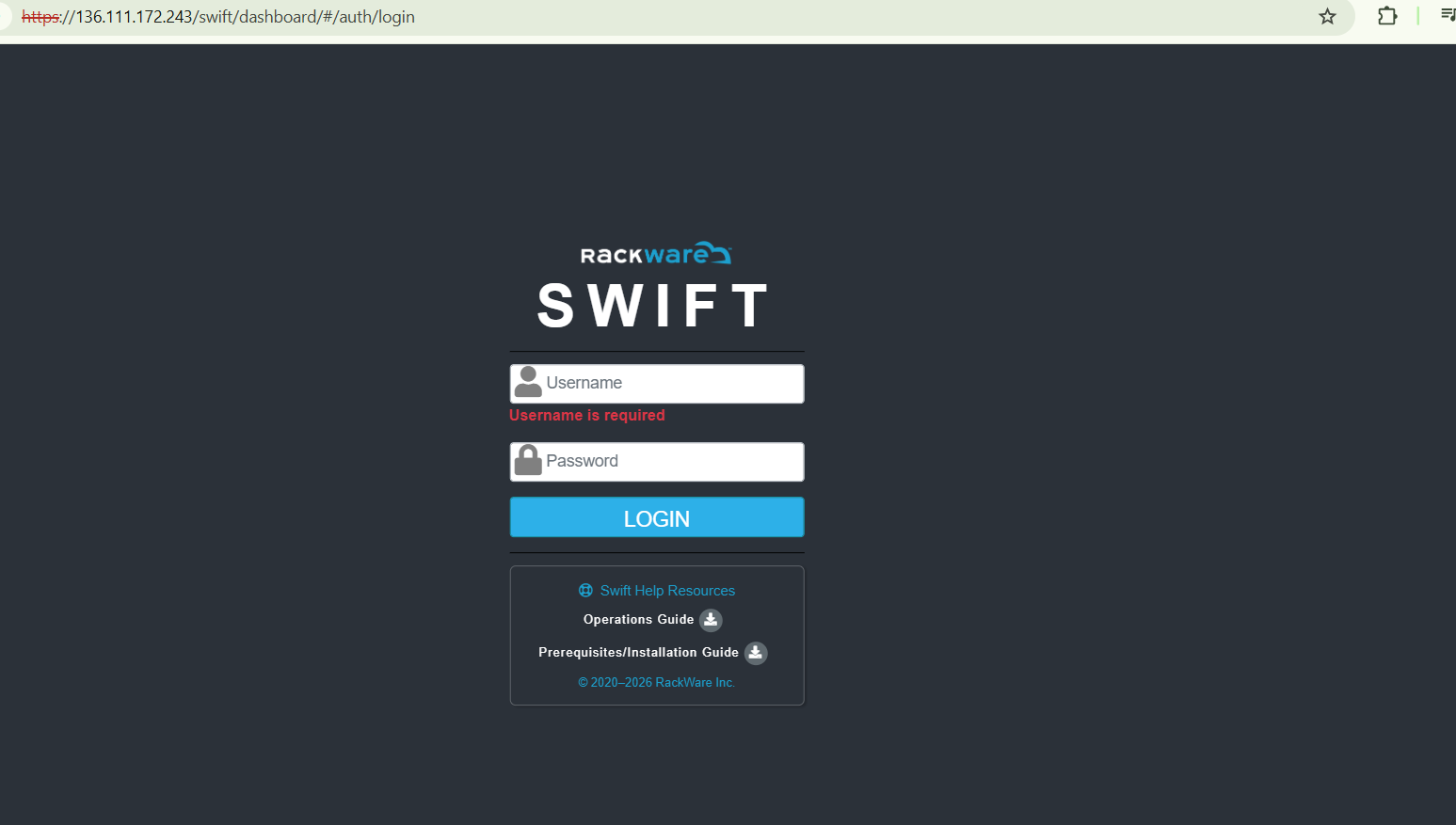
10 Login with admin user and created Password.